The screens nobody draws.
This site has seven screens nobody ever sees. They have no address of their own. They only turn up when something leaves the expected path: a wrong address, a dropped connection or a list with no results. Three of them can be handled right here.
-
The error page
A mistyped address or a stale link lands here. Nobody ever proofreads the text on this screen. I turned it into a workshop: you make the three decisions in my place and the screen redraws with every choice.
Go and draw that screenThe site’s error page, loaded here as it is. The workshop sits just below it, on the real page.
-
The offline page
The connection drops mid-read and the browser shows its own error page, the one no designer gets to draw. A service worker keeps this one in reserve and serves it instead.
Open the offline pageTurn off the wifi and reload any page: this is the screen you get.
-
The empty state
An empty state is not an error: it has to say why there is nothing and what to do next. Type a word none of the eight projects carry and you will land on the one I wrote.
- The onboarding journey
- The portal and its invoices
- Logging back in
- The design system
- Workshops & Personas
- Four products, from B2B to B2C
- Interactive experiences
- Oil painting
No project has that word in its name. All eight are still there, try portal, workshops or painting instead.
This search lives on this page only: it is here to walk you into the screen that has nothing to show.
-
Loading
The space for every image is reserved before it arrives, otherwise the page rearranges itself under your fingers the moment it lands. The skeleton goes further and draws the shape of what is missing, block by block.
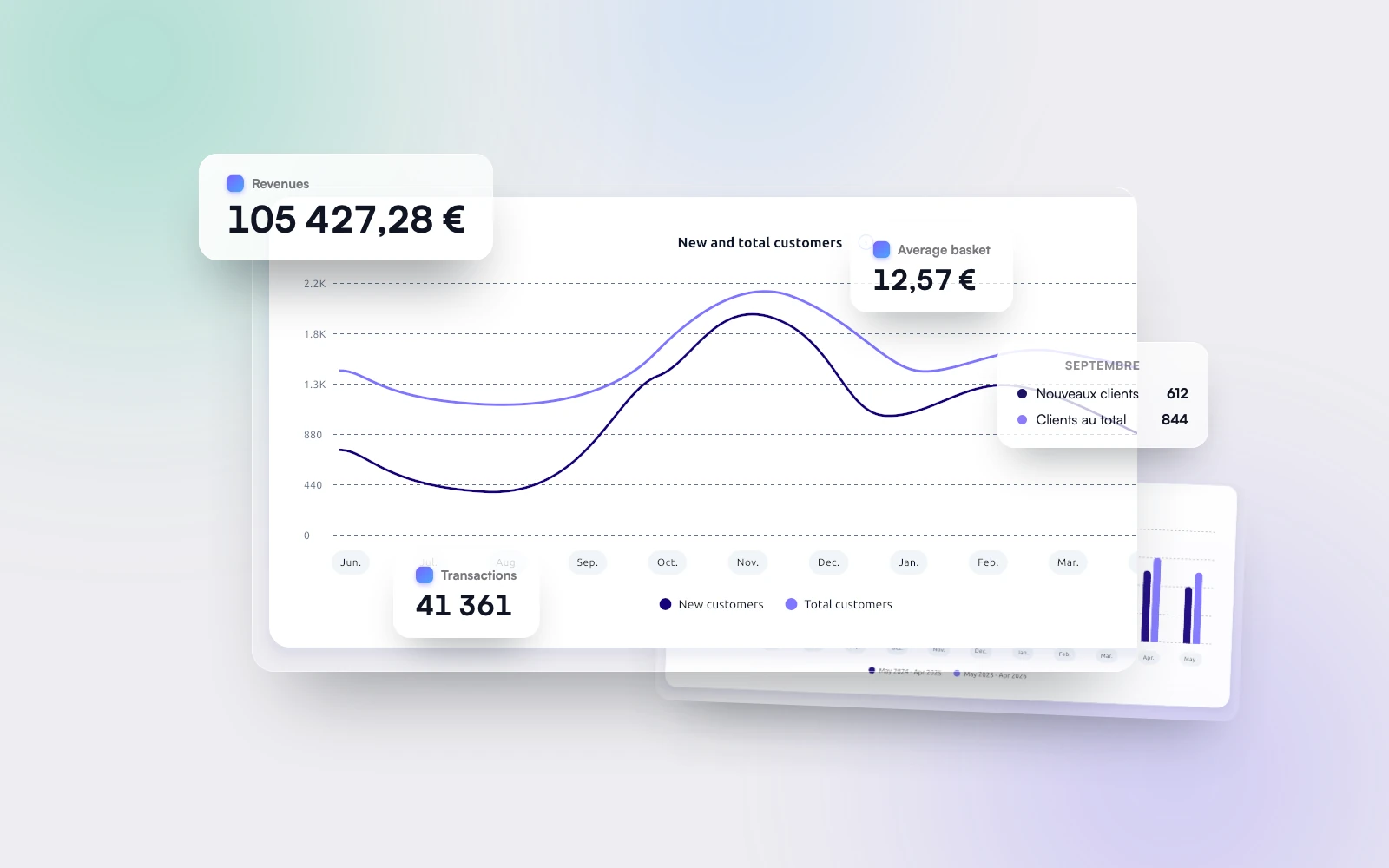
![A screenshot of the merchant portal: the dashboard and its figures for the week.]()
Rebuild & prototype · 2024–2026
The portal and its invoices
They came once a year to download their invoices. I gave them other reasons to log in.
The skeleton has the exact shape of the card that is coming. Same thumbnail, same title, same two lines of summary.
This site does not need a skeleton: its text is already in the page and only the images arrive later. This is a portal screen, where the content itself has to be asked for.
-
Without JavaScript
With JavaScript off the home page keeps its list and its links: the scroll reveals are only applied if the script runs. The footer then writes my email address out in full, standing in for the script that puts it back together.
The project list on the home page, loaded without its JavaScript.
-
Reduced motion
Some people set their system to less animation because of motion sickness, migraine or vertigo. This site listens, and sets the blocks down where they were heading instead of walking them there.
Animated version
The three rows come up one after the other.
The onboarding journeyResearch & testing · 2023–2024The portal and its invoicesRebuild & prototype · 2024–2026Logging back inEntry point · 2024Still version
The three rows are already in place.
The onboarding journeyResearch & testing · 2023–2024The portal and its invoicesRebuild & prototype · 2024–2026Logging back inEntry point · 2024Your system is not asking for anything in particular: on the site, you get the left-hand column.Your system asks for less motion: everywhere else on the site, it is the right-hand column.
On a Mac the setting is under Settings › Accessibility › Display › Reduce motion. On Windows it is under Settings › Accessibility › Visual effects.
-
Printing
With no print stylesheet, the home page comes out as a full sheet of gradient. The same page with the stylesheet sits on white, the text switched back on and the site address added under the title.
Every project can be shared as slides. Press P to show it as slides, and the PDF button downloads them in 16:9.
See the merchant portal as slidesWithout the stylesheet 
With the stylesheet 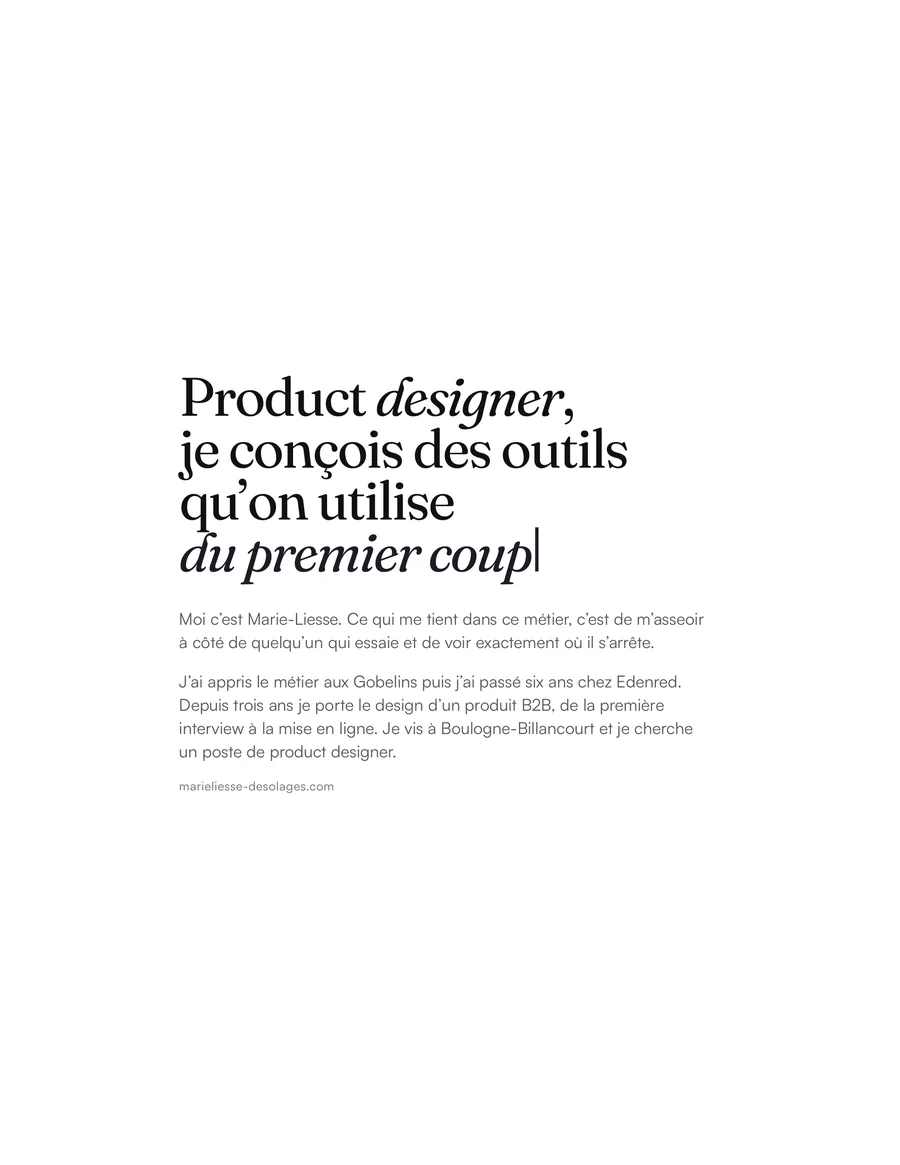
A case study, as slides 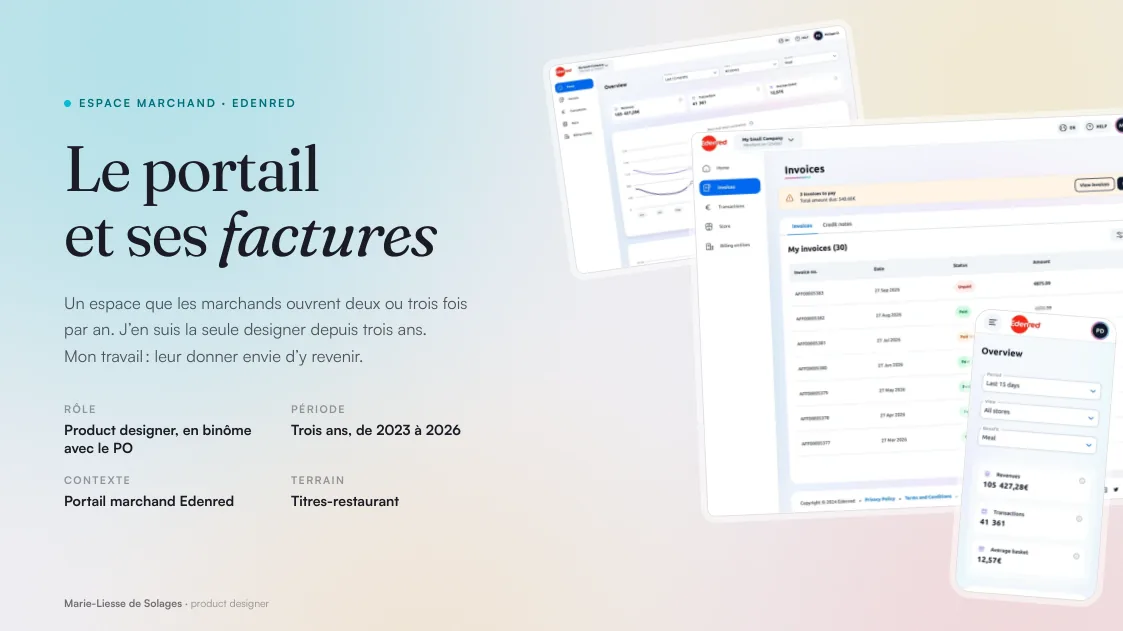
Two real prints of the home page and the first slide of the merchant portal, straight out of the browser. Ctrl+P or Cmd+P on any page of the site, this one included.
None of these screens has an address of its own: you land on them. That is why I write them alongside the rest instead of at the end.